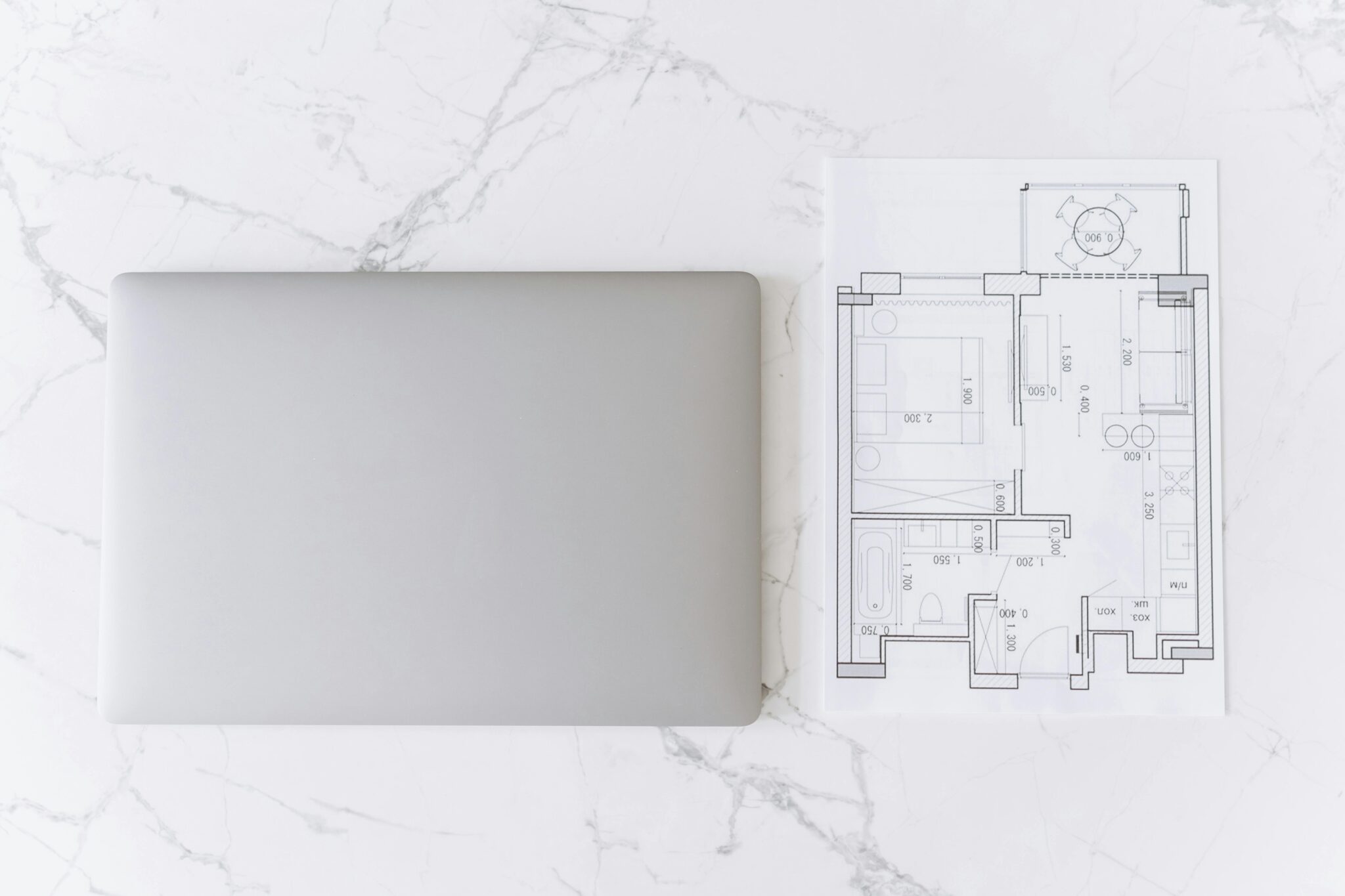
The best interior design software for room planning lets you build a scaled 2D layout, test furniture sizes, and preview finishes in 3D — all before you spend. Buying furniture without a plan is the fastest way to end up with a sofa that blocks a doorway or a rug that visually shrinks the room. This guide covers the 10 best interior design software tools for room planning, explains what to look for, and shows how to connect your plan to real-world purchases.
Whether you’re furnishing a new space or refining a room you already love, a digital plan helps you make decisions with clarity. It replaces guesswork with exact measurements, keeps your purchases aligned with your vision, and helps you invest in pieces that truly fit your home.
Quick List — The 10 Best Tools
- Planner 5D — best all-around for visual 2D/3D room planning
- RoomSketcher — best for polished floor plans and 3D snapshots
- Floorplanner — best web-based tool for quick layouts
- HomeByMe — best for product-catalog styling and visual renders
- Homestyler — best for mobile-first planning and AR ideas
- SketchUp Free — best free web-based 3D modeling for advanced users
- Sweet Home 3D — best free desktop tool with a huge model library
- magicplan — best for fast room capture and measurements on mobile
- Roomle — best cross-device planning with AR previews
- Foyr Neo — best for high-quality renders and pro workflows
Comparison Table
| Tool | Best for | Platform | Free plan |
|---|---|---|---|
| Planner 5D | All-around planning | Web + mobile | Yes |
| RoomSketcher | Polished floor plans | Web + desktop | Yes |
| Floorplanner | Fast layouts | Web | Yes |
| HomeByMe | Catalog styling | Web | Yes |
| Homestyler | Mobile + AR | Web + mobile | Yes |
| SketchUp Free | Advanced modeling | Web | Yes |
| Sweet Home 3D | Free desktop | Desktop | Yes |
| magicplan | Room capture | Mobile | Yes |
| Roomle | AR preview | Web + mobile | Yes |
| Foyr Neo | Pro renders | Web | Trial |
What to Look For
If you’re planning a room before buying furniture, focus on tools that help you answer three practical questions: Will it fit? Will it flow? Will it feel right?
- Accurate measurement tools — snapping, editable wall lengths, unit controls
- 2D-to-3D workflow — sketch in 2D, then switch to 3D for a realistic check
- Furniture and decor libraries — sofas, chairs, tables, lighting that can be resized
- Rendering quality — the more lifelike the preview, the easier it is to choose finishes
- Import/export options — helpful when sharing a plan with family, a designer, or a contractor
- Mobile scanning — tools like magicplan help you measure a room quickly on your device
Clearance Guidelines
- Walkways — 30–36 inches of clear path in main circulation areas
- Sofa to coffee table — 14–18 inches for easy reach and leg room
- Dining chair clearance — at least 24 inches from table edge to wall behind
- Bedside clearance — 24–30 inches on each side of the bed
- Rug sizing — a living room rug should extend under the front legs of all seating
Shop Anchor Pieces That Fit Your Plan
Use your confirmed dimensions to shop pieces with confidence — furniture that fits the room, respects circulation, and creates a sense of calm.
Full Reviews
Visual 2D/3D planning without a steep learning curve. Excellent for testing multiple layout variations — compare a sectional against a sofa-plus-chairs setup, or test whether floating furniture away from walls works in your space.
Visit Planner 5D →Clean, professional floor plans and polished 3D snapshots. Ideal when you need a plan that looks finished — easy to share with a partner, designer, or contractor without back-and-forth.
Visit RoomSketcher →The fastest browser-based option. Open a tab and start designing. Great for rapid “what if” scenarios — test a different dining table size, rotate the bed, check if a reading chair fits without crowding the room.
Visit Floorplanner →Combines room planning with strong visual rendering. Especially useful when coordinating multiple categories — rugs, upholstery, casegoods — because the rendered view helps you see if the palette is cohesive before you buy.
Visit HomeByMe →Popular for working quickly and visually. Strong for experimenting with layouts and materials — change wall colours, swap fabrics, test multiple palettes. AR features help visualise scale in a more realistic context.
Visit Homestyler →A web-based 3D modeler giving more control than drag-and-drop planners. Ideal for custom modeling — built-in bookcases, custom banquettes, architectural details that typical tools can’t handle.
Visit SketchUp Free →A free interior design application for drawing plans and arranging furniture in 3D. Solid for desktop workflows, multi-room layouts, or whole-home planning. Large model library for approximating real pieces.
Visit Sweet Home 3D →Mobile-first tool built for capturing room measurements and turning them into usable floor plans. Walk a room, capture key dimensions, generate a plan without carrying a notebook full of numbers.
Visit magicplan →Draft a layout on desktop, then check how it feels in your room with AR. Excellent for scale-checking — confirming a coffee table doesn’t interrupt circulation or a dining table leaves enough chair pull-out space.
Visit Roomle →Browser-based platform for designers wanting realistic renders and polished presentations. 4K render outputs make it easier to evaluate fabrics, finishes, and lighting before buying.
Visit Foyr Neo →Step-by-Step Workflow
- Measure the room — length, width, ceiling height, door swings, window placements
- Build the 2D plan — use snapping and accurate units, double-check every dimension
- Place architectural elements — doors, windows, columns, built-ins define circulation space
- Add furniture to scale — maintain clearances for walking paths, door swings, drawer openings
- Switch to 3D — check proportions, ceiling height, and how the room feels
- Refine materials and colours — test finishes like wood tones, textiles, and rugs
- Export and share — save 2D plans and 3D images, share for feedback before buying
Common Mistakes to Avoid
- Ignoring circulation paths — leave enough space to move naturally
- Underestimating door and drawer clearance — always check openings around cabinetry
- Forgetting scale — a sofa that looks right in 3D can be too large if the model is not scaled properly
- Skipping vertical measurements — ceiling height and window height matter for tall furniture and lighting
- Over-trusting colours on screen — use real material samples when possible
- Rushing the measuring phase — a single inch can be the difference between a sofa that fits and one that crowds the room
Once your plan is confirmed, visit the studio in Saratoga to compare scale, proportion, and material quality in person before you commit.
Visit the Studio →FAQ
What is the best interior design software for room planning?
Planner 5D is the best all-around option — it supports 2D and 3D layouts, has a large furniture catalog, and works on web and mobile. For polished floor plans, RoomSketcher is the strongest. For the fastest layouts, Floorplanner.
Is there free interior design software for room planning?
Yes. Planner 5D, Floorplanner, SketchUp Free, and Sweet Home 3D all offer free plans strong enough for basic room planning before buying furniture.
How accurate is interior design software for furniture sizing?
Accurate enough to make buying decisions — if you enter exact room measurements and use true-to-scale furniture dimensions. Always cross-check product specs before purchasing.
Should I plan a room in 2D or 3D first?
Start in 2D for accurate scale, then switch to 3D to evaluate feel, height, and visual balance. Most interior design software supports both modes.
Can I use interior design software on mobile?
Yes. Homestyler, Roomle, and magicplan all support mobile workflows. magicplan is specifically designed for fast room measurement and floor plan capture on mobile.
How accurate are the furniture models?
Models are typically accurate in overall dimensions — always cross-check with real product specs before buying. Use the software for layout and clearance, then confirm exact dimensions on the product page.
REEVA SETHI is the founder of Reeva Sethi Home in Saratoga, California — a showroom built around the principle that rooms should last, not trend. She believes in buying fewer, better pieces and designing spaces that feel calm, proportioned, and enduring. Read more.