 Written by
 10 Best Interior Design Software to Plan Your Room Before Buying Furniture (2026)
Last updated: January 27, 2026.
Buying furniture without a plan is the fastest way to end up with a sofa that blocks a doorway or a rug that visually shrinks the room. Room‑planning software fixes that. You can build a 2D layout to scale, test furniture sizes, and preview finishes in 3D before you spend. In this guide, I’ll walk through the best interior design software for planning a room, explain what to look for, and show how to connect your plan to real‑world purchases.
Whether you’re furnishing a new space or refining a room you already love, a digital plan helps you make decisions with clarity. It replaces guesswork with exact measurements, keeps your purchases aligned with your vision, and helps you invest in pieces that truly fit your home.
Table of Contents
Quick list of the best tools
- Planner 5D – best all‑around for visual 2D/3D room planning
- RoomSketcher – best for polished floor plans and 3D snapshots
- Floorplanner – best web‑based tool for quick layouts
- HomeByMe – best for product‑catalog styling and visual renders
- Homestyler – best for mobile‑first planning and AR ideas
- SketchUp Free – best free web‑based 3D modeling for advanced users
- Sweet Home 3D – best free desktop tool with a huge model library
- magicplan – best for fast room capture and measurements on mobile
- Roomle – best cross‑device planning with AR previews
- Foyr Neo – best for high‑quality renders and pro workflows
At‑a‑glance comparison
This table helps you narrow down the list quickly. If you care most about speed, prioritize web‑based tools. If realism is the priority, pick a render‑focused platform.
| Tool | Best for | Platform | 2D/3D | Free plan |
|---|---|---|---|---|
| Planner 5D | All‑around planning | Web + mobile | Yes | Yes |
| RoomSketcher | Polished floor plans | Web + desktop | Yes | Yes |
| Floorplanner | Fast layouts | Web | Yes | Yes |
| HomeByMe | Catalog styling | Web | Yes | Yes |
| Homestyler | Mobile + AR | Web + mobile | Yes | Yes |
| SketchUp Free | Advanced modeling | Web | 3D | Yes |
| Sweet Home 3D | Free desktop | Desktop | Yes | Yes |
| magicplan | Room capture | Mobile | 2D | Yes |
| Roomle | AR preview | Web + mobile | Yes | Yes |
| Foyr Neo | Pro renders | Web | Yes | Trial |
How we chose these tools
We selected tools that make it easier to plan a room accurately before buying furniture. Each option had to support true‑to‑scale layouts, a usable 2D‑to‑3D workflow, and the ability to preview a full room. We also prioritized platforms that don’t require complex software installs, include furniture or model libraries, and offer a free plan or trial so you can test before committing. We reviewed the latest information available on each official product site as of January 27, 2026.
Because this guide is meant to help you shop more confidently, we leaned toward tools that keep the process practical. A beautiful render is helpful, but only if the measurements are correct. We also considered which tools make it easier to export a plan, share it with someone else, or keep multiple versions as you explore different furniture sizes.
What to look for in room‑planning software
If you’re planning a room before buying furniture, focus on tools that help you answer three practical questions: Will it fit? Will it flow? Will it feel right? Here are the features that matter most.
- Accurate measurement tools. Look for snapping, editable wall lengths, and unit controls (feet/inches or metric). If you can’t place a sofa at its exact dimensions, the plan won’t protect you from costly sizing mistakes.
- 2D‑to‑3D workflow. The fastest planning path is: sketch the room in 2D, then switch to 3D for a realistic check. Most of the tools below offer both modes and let you jump back and forth.
- Furniture and decor libraries. A large catalog saves time. You want sofas, chairs, tables, storage, lighting, and accessories that can be resized and styled. Some tools also include real brand catalogs.
- Rendering or visualization quality. The more lifelike the preview, the easier it is to choose finishes. Tools like Foyr Neo and HomeByMe emphasize render quality, while others focus on speed.
- Import/export options. Being able to export images or PDFs helps when you share a plan with family or a designer. If you work with contractors, check for scale‑accurate outputs.
- Mobile scanning or capture. If you’re short on time, mobile capture tools like magicplan help you measure a room quickly and build a digital floor plan from your device.
- Learning curve. Beginners should favor tools with templates and drag‑and‑drop workflows, while advanced users may prefer software that allows custom modeling.
Quick sizing and clearance cheat sheet
Even the best software can’t help if your inputs are off. Keep these clearance guidelines in mind while planning. They’re not strict rules, but they’re practical starting points for comfortable movement.
- Walkways: Aim for 30–36 inches of clear path in main circulation areas.
- Sofa to coffee table: Leave about 14–18 inches for easy reach and leg room.
- Dining chair clearance: Leave at least 24 inches from table edge to wall or furniture behind the chair.
- Bedside clearance: 24–30 inches on each side of the bed makes the room feel balanced.
- Rug sizing: A living room rug should generally extend under the front legs of seating; dining rugs should extend beyond chairs when pulled out.
Use these as a baseline, then adjust based on how you live. If you entertain often, build in more clearance for flow. If you live in a compact city apartment, you may prefer tighter spacing but should still protect key circulation paths.
Templates, collaboration, and saving versions
Time‑saving templates can make a big difference, especially if you’re planning multiple rooms. Look for software that offers room templates (bedroom, living room, dining room) so you can start from a proven layout and customize it. Collaboration matters too: being able to share a plan with a partner or designer saves time and prevents miscommunication. Finally, check that the tool allows you to duplicate a plan or save multiple versions. That makes it easier to compare “Option A” and “Option B” without rebuilding from scratch.
Best tools by use case
Different rooms, budgets, and skill levels call for different software. Here are the best picks by use case, with quick reasons why:
- Best for beginners: Planner 5D and Floorplanner are intuitive, web‑based, and fast to learn.
- Best for photorealistic renders: Foyr Neo and HomeByMe focus on high‑quality visuals and staged rooms.
- Best for mobile capture: magicplan is built for measurements, scans, and quick floor‑plan creation on the go.
- Best for detailed modeling: SketchUp Free is ideal if you want full control and have some 3D modeling experience.
- Best free desktop option: Sweet Home 3D offers a strong library of 3D models and a complete 2D/3D workflow.
- Best cross‑device planning: Roomle lets you plan on web or mobile and preview in AR.
How to translate a digital plan into a shopping list
After you build a layout, the most valuable output is a practical shopping list. Use the software to capture exact furniture dimensions, then map each item to a real product. Here’s a simple workflow:
- Label every major piece. Sofa, coffee table, rug, dining table, and storage should each have a label and approximate size in your plan.
- Lock in scale first. Choose the correct dimensions before you focus on finishes. If the scale works, you can explore materials without worrying about fit.
- Match categories to your plan. For example, if your plan shows a 72″ console and a 9×12 rug, filter your shopping to those ranges.
- Leave room for flexibility. If you’re unsure between sizes, keep two versions of your plan so you can see how both options feel.
- Keep the plan open while you shop. When you’re comparing products, cross‑check dimensions against your plan to avoid errors.
Room planning by room type
Living room: Start by anchoring the main seating piece. Measure the sofa or sectional you want, then build the seating zone around it with a rug and coffee table. The key is circulation: ensure there’s a clear path from doorways to seating without weaving around furniture. Use the 3D view to check scale and how the seating arrangement feels from multiple angles.
Dining room: Dining rooms are all about chair clearance and comfort. Place the dining table first, then add chairs and check for pull‑out space. If you’re deciding between two table sizes, the plan will quickly show if the larger option blocks a walkway or crowds a sideboard.
Bedroom: Beds take up visual and physical space, so build the room around the bed first. Add nightstands and ensure there’s at least 24 inches of clearance on each side. For smaller bedrooms, test storage solutions like dressers or benches at the foot of the bed and confirm you can still open drawers comfortably.
Full reviews of the 10 best tools
1) Planner 5D
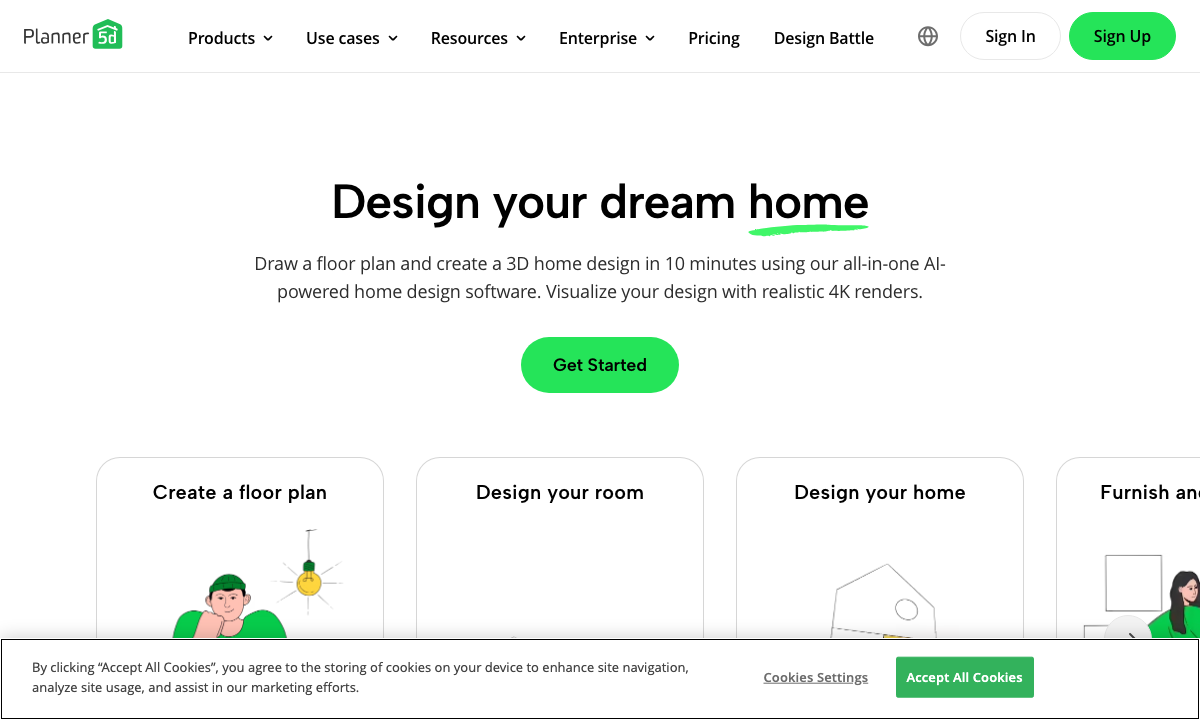
Best for: an all‑around, visual tool that makes room layout easy without a steep learning curve.
Planner 5D is designed to help you go from a simple floor plan to a fully styled room quickly. It supports both 2D and 3D planning, and its catalog includes many design elements, making it a strong choice for homeowners and renters. The interface is accessible for beginners while still offering enough depth for experimenting with finishes, layout variations, and lighting. Planner 5D also emphasizes AI‑assisted planning and offers cross‑platform access, so you can start a plan on desktop and continue on mobile.
Planning strengths: Planner 5D shines when you’re exploring multiple layout variations. You can copy a room, swap a few furniture pieces, and compare how the circulation feels. This is especially useful if you’re torn between a sectional and a sofa‑plus‑chairs layout or if you’re deciding whether to float furniture away from walls. The 2D‑to‑3D switch keeps you grounded in scale while still giving you a visual sense of balance, height, and proportion.
Good for rooms like: living rooms, primary bedrooms, and open‑plan spaces where you want to test zoning and flow before investing in anchor pieces.
Key features: 2D/3D room planning, large catalog of furniture and decor items, and tools for visualizing rooms before purchase.
Limitations: Advanced customization and some assets are behind paid plans, so you may need to upgrade for high‑end visuals.
Pricing: Offers a free tier with paid upgrades for premium features and assets (see current pricing on the official site).
Try it if: You want fast room plans and a visually pleasant 3D preview without learning complex software.
2) RoomSketcher
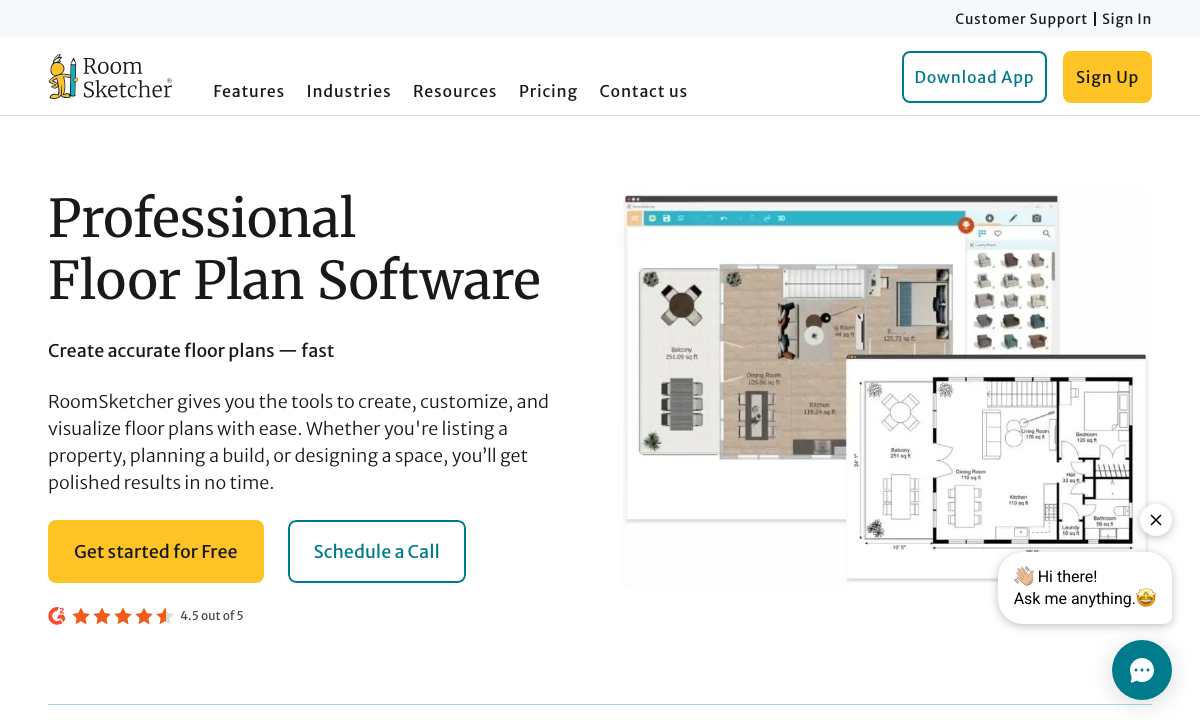
Best for: clean, professional floor plans and polished 3D snapshots.
RoomSketcher is a strong choice if you want floor plans that look refined and presentation‑ready. It’s well known for its 2D plan outputs and its ability to produce attractive 3D visuals of rooms, which makes it useful for homeowners, real estate professionals, and small design studios. The tool balances ease of use with a structured workflow, so you can create layouts quickly, then enhance them with 3D views.
Planning strengths: RoomSketcher is excellent for people who want their plan to look “finished.” Its plan‑first workflow encourages accurate measurements and clear circulation paths, then adds a layer of visual polish. If you intend to share a layout with a partner or contractor, the floor plans are easy to read, which reduces back‑and‑forth during decision‑making.
Good for rooms like: apartments, rentals, and smaller spaces where clarity and scale are critical—especially if you’re coordinating with a landlord or renovator.
Key features: 2D and 3D floor plans, easy drag‑and‑drop planning, and the ability to create professional visuals.
Limitations: Some features (such as advanced renders or exports) require a paid plan.
Pricing: Free plan available with upgrades for additional features and exports (check current plan details on the official site).
Try it if: You want easy floor plans that are polished enough to share with others.
3) Floorplanner
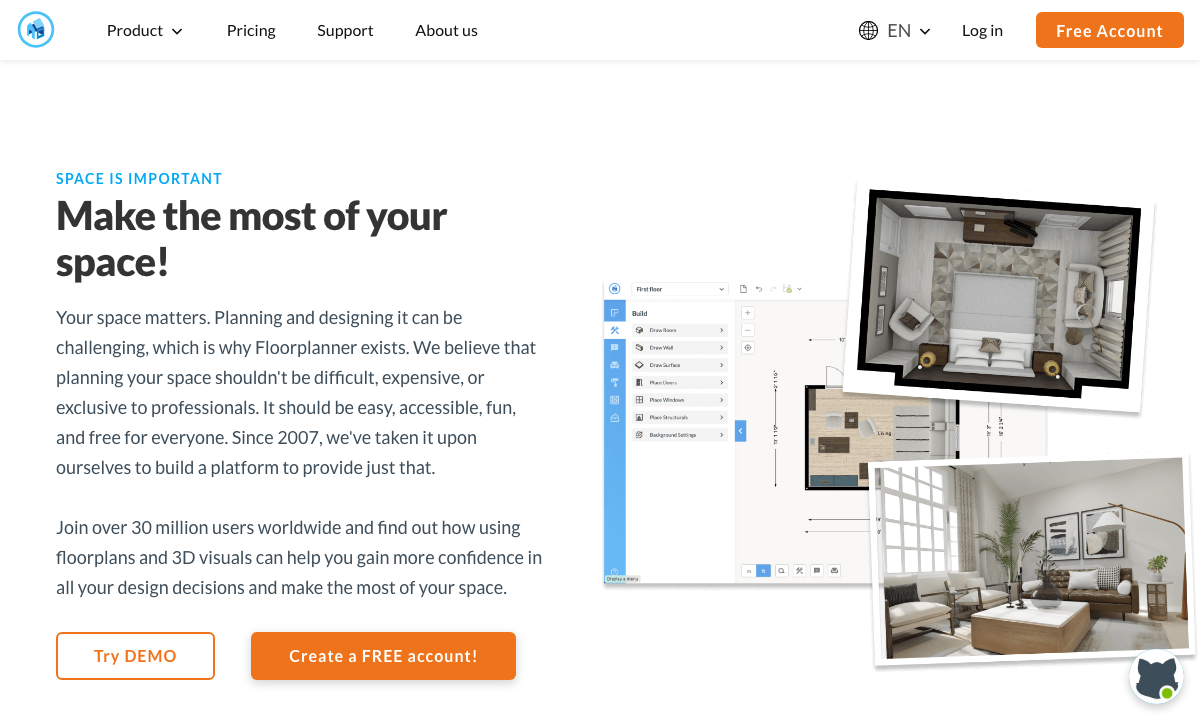
Best for: quick, browser‑based floor plans without software installs.
Floorplanner is a classic web‑based option for people who want to sketch a room plan quickly. It offers a browser‑based design interface, so you can open a tab and start designing. It also includes 3D visualization options and a broad library of items you can drop into a layout. This makes it a fast tool for testing furniture sizes and clearances before you buy.
Planning strengths: Speed. Floorplanner is great when you just need to test whether a sofa and coffee table will fit without blocking circulation. It’s also a good option for rapid “what if” scenarios—try a different dining table size, rotate the bed, or check if you can add a reading chair without crowding the space.
Good for rooms like: living rooms, dining rooms, and compact bedrooms where you want to compare two or three layout options in under an hour.
Key features: Online floor planning with 2D and 3D views, plus a visual catalog for furnishing your layout.
Limitations: Advanced render quality and some exports are limited in the free plan.
Pricing: Free tier with paid credits or subscriptions for higher‑quality renders and exports.
Try it if: You want the fastest way to draw a room and test furniture sizes.
4) HomeByMe
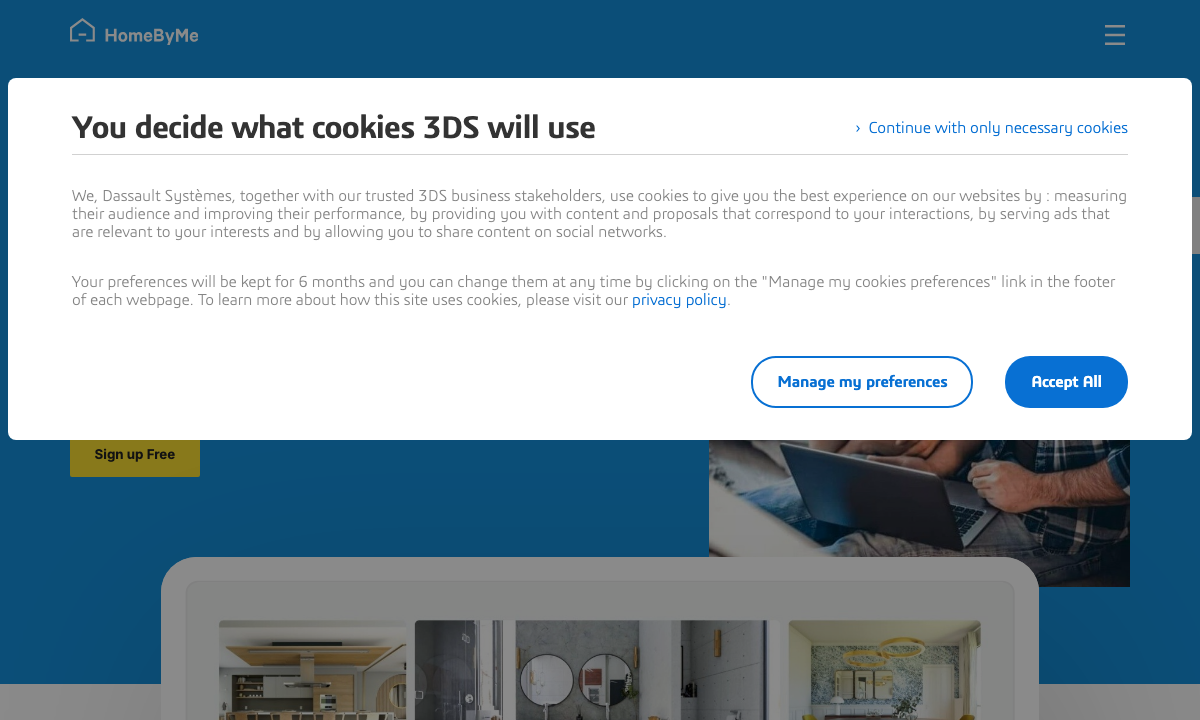
Best for: styling rooms with branded catalogs and visual renders.
HomeByMe combines room planning with a strong emphasis on design catalog styling. It offers planning tools and advanced visualization options, making it appealing for people who want their room plan to look finished and realistic. The platform is known for its rendering quality and for offering furniture options tied to real products, which can help you see how a plan translates into an actual shopping list.
Planning strengths: HomeByMe is helpful when the goal is not just layout, but “styling before buying.” If you want to see how materials and finishes feel together, HomeByMe gives you a stronger sense of mood and texture. It’s especially useful when you are coordinating multiple categories—like rugs, upholstery, and casegoods—because the rendered view helps you see if the palette is cohesive.
Good for rooms like: open‑plan living rooms or dining rooms where you’re trying to build a unified look across several furniture categories.
Key features: 2D/3D planning, catalog‑based decorating, and high‑quality render options.
Limitations: The most detailed renders and certain catalogs may be behind paid tiers.
Pricing: Free plan available; paid tiers offer higher‑quality renders and additional options (check current pricing on the site).
Try it if: You want a room plan that doubles as a styled, realistic preview.
5) Homestyler
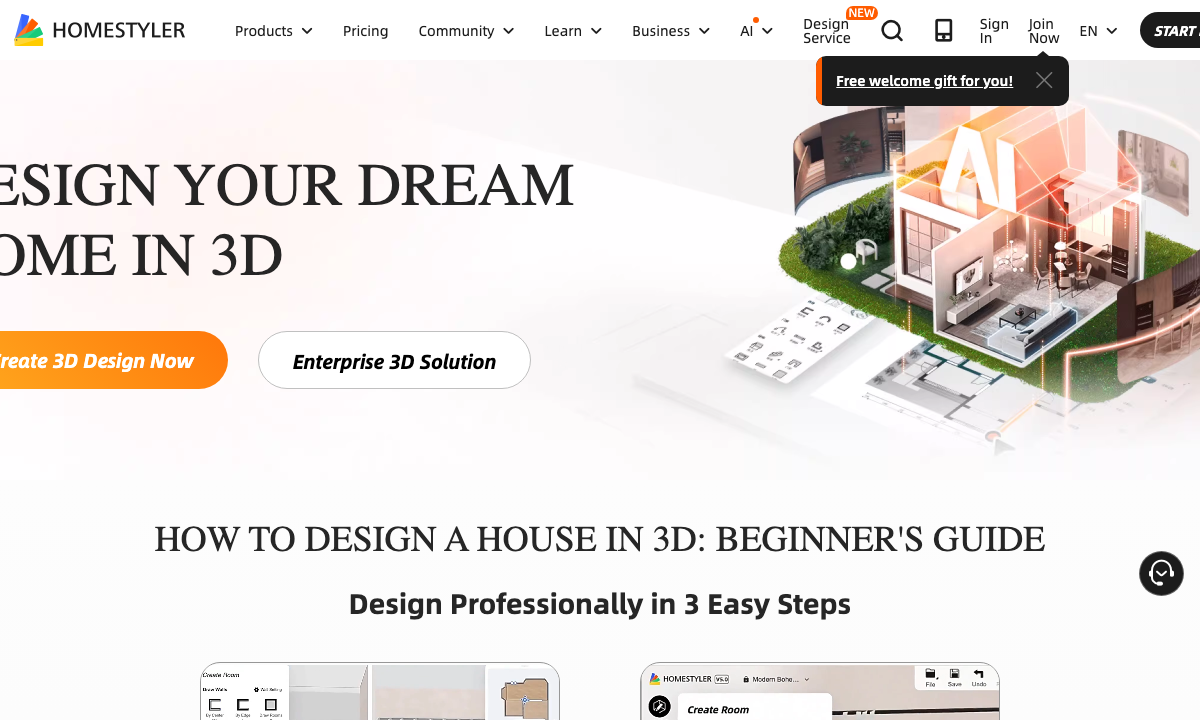
Best for: mobile‑friendly planning and quick styling with AR ideas.
Homestyler is popular with users who want to work quickly and visually. Its platform supports design planning, a large asset library, and AR/VR‑style previews, making it a good choice for experimenting with layouts and materials. It also offers collaboration and a large marketplace for models, which is useful if you want to test multiple style directions before choosing furniture.
Planning strengths: Homestyler’s strength is variety. You can test different looks fast—change wall colors, swap fabrics, and experiment with accessories. If you’re planning a room that needs to blend with existing furniture, the ability to test multiple palettes is valuable. The AR‑leaning features help you visualize scale in a more realistic context, which is helpful when you’re deciding between two sizes of sofa or dining table.
Good for rooms like: guest rooms, home offices, and style‑focused spaces where you’re exploring finishes and decor combinations.
Key features: Floor‑planning tools, a large asset marketplace, collaboration features, and mobile support with AR/VR capabilities.
Limitations: Advanced assets and pro features are often tied to subscriptions.
Pricing: Free tier available with premium plans for advanced features and assets.
Try it if: You want a stylish, mobile‑first planning experience with lots of visual options.
6) SketchUp Free
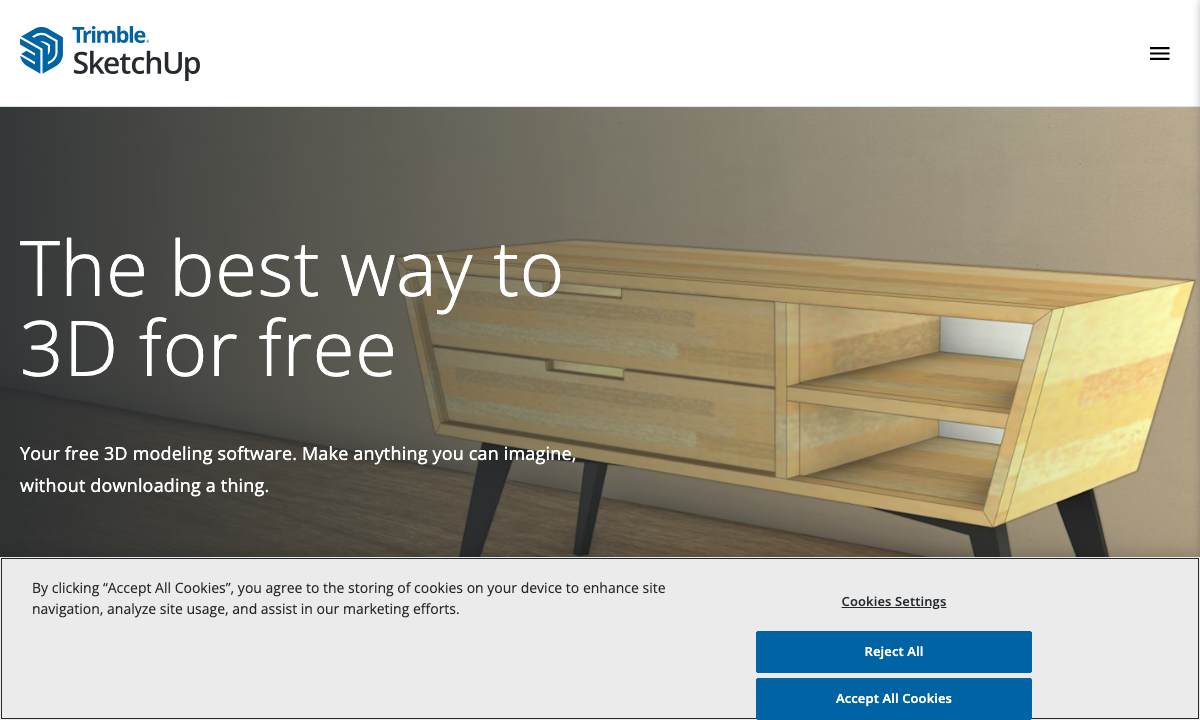
Best for: advanced users who want a free, web‑based 3D modeling tool.
SketchUp Free is a web‑based 3D modeler that gives you more control than typical drag‑and‑drop room planners. It’s popular with architects, designers, and serious DIYers because it allows custom modeling and precise layouts. If you’re comfortable in 3D, you can build a room from scratch and insert furniture models to scale.
Planning strengths: SketchUp is ideal when you need custom modeling—for example, if you want to test a built‑in bookcase, a custom banquette, or a fireplace surround. It’s also useful if you want to match exact room geometry, including odd angles or sloped ceilings. The learning curve is higher, but the payoff is control.
Good for rooms like: kitchens, built‑ins, or any space with architectural features that typical drag‑and‑drop tools can’t handle.
Key features: Web‑based 3D modeling, essential drawing tools, and the ability to design from scratch.
Limitations: There’s a learning curve; it’s less beginner‑friendly than Planner 5D or Floorplanner.
Pricing: Free web version available, with paid plans for advanced features.
Try it if: You want the most control and don’t mind learning a more advanced interface.
7) Sweet Home 3D
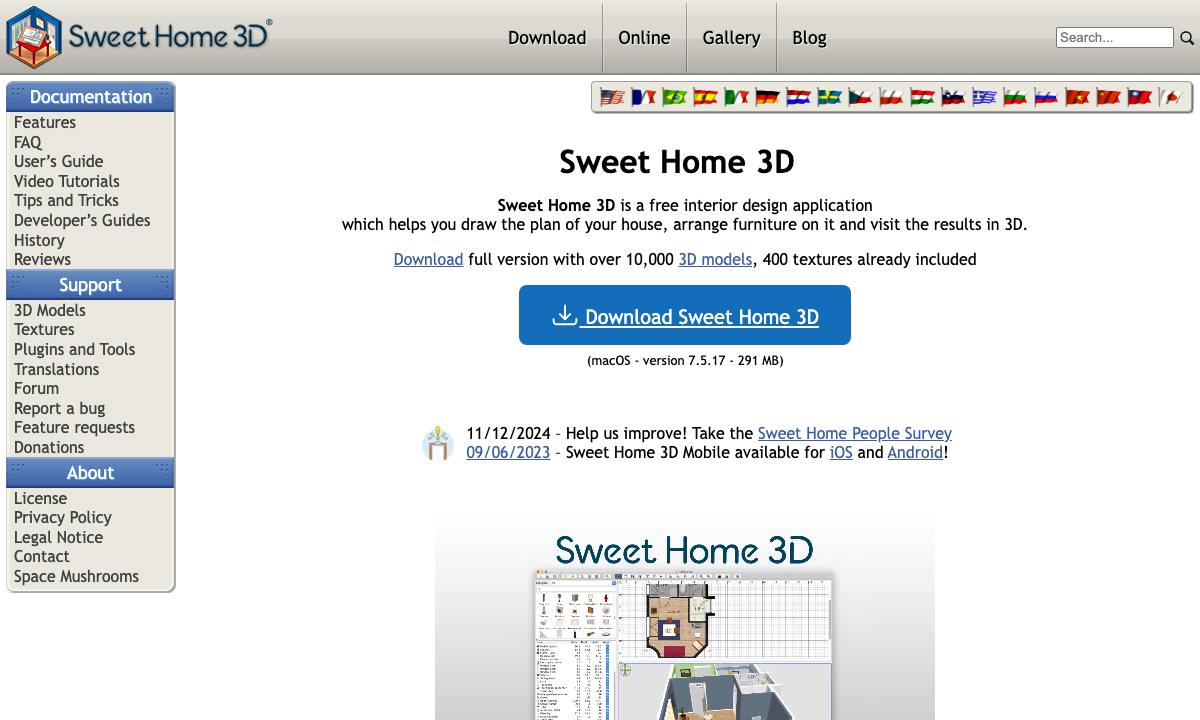
Best for: a free desktop planner with a large 3D model library.
Sweet Home 3D is a free interior design application that lets you draw a plan, arrange furniture, and view results in 3D. It’s a solid option if you want a desktop tool instead of a browser tool, and it includes a large library of models so you can approximate many real pieces. The workflow is simple: build a 2D plan, then preview it in 3D to check scale and look.
Planning strengths: Sweet Home 3D is reliable for detailed, scaled layouts. It’s especially helpful if you want to work offline or prefer a desktop workflow. The large model library means you can test a wide range of furniture sizes, and it’s straightforward to import additional models if you need something specific.
Good for rooms like: multi‑room layouts, whole‑home planning, or spaces where you need a stable, offline tool.
Key features: 2D floor planning with 3D visualization, plus access to a large library of models.
Limitations: The interface is less modern than newer web tools, and rendering can look more technical than photo‑realistic.
Pricing: Free (desktop), with optional paid versions for additional features.
Try it if: You want a no‑cost desktop tool that still provides solid planning accuracy.
8) magicplan
Best for: capturing rooms and measurements quickly on mobile.
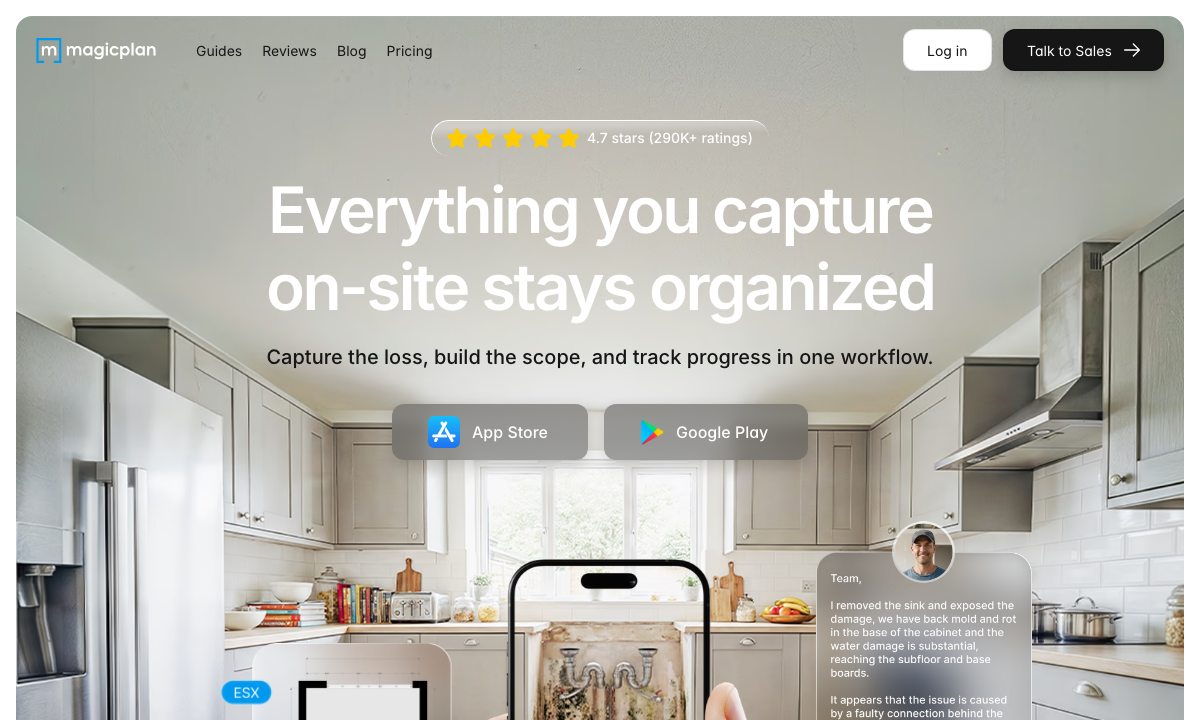
magicplan is a mobile‑first tool built for capturing room measurements and turning them into usable floor plans. Instead of drawing everything manually, you can scan or measure and let the app generate a layout. It’s ideal when you need a fast, accurate floor plan before you start placing furniture, and it can save a lot of time during the measurement phase.
Planning strengths: If measuring is the hardest part, magicplan solves it. You can walk a room, capture key dimensions, and generate a plan without carrying a notebook full of numbers. The resulting layout can then be exported or used as the foundation in another design tool. For many homeowners, the speed of capture is the biggest benefit.
Good for rooms like: apartments, rentals, or multi‑room homes where you need to measure quickly and build accurate base plans.
Key features: Mobile capture tools, floor‑plan creation, and features designed for fast room measurement.
Limitations: It’s not as focused on rich visual styling as some of the other tools; it’s more about measurement and layout accuracy.
Pricing: Free tier available; paid plans unlock additional capabilities.
Try it if: Your biggest challenge is measuring quickly and getting the layout into a digital plan.
9) Roomle
Best for: cross‑device room planning with AR previews.
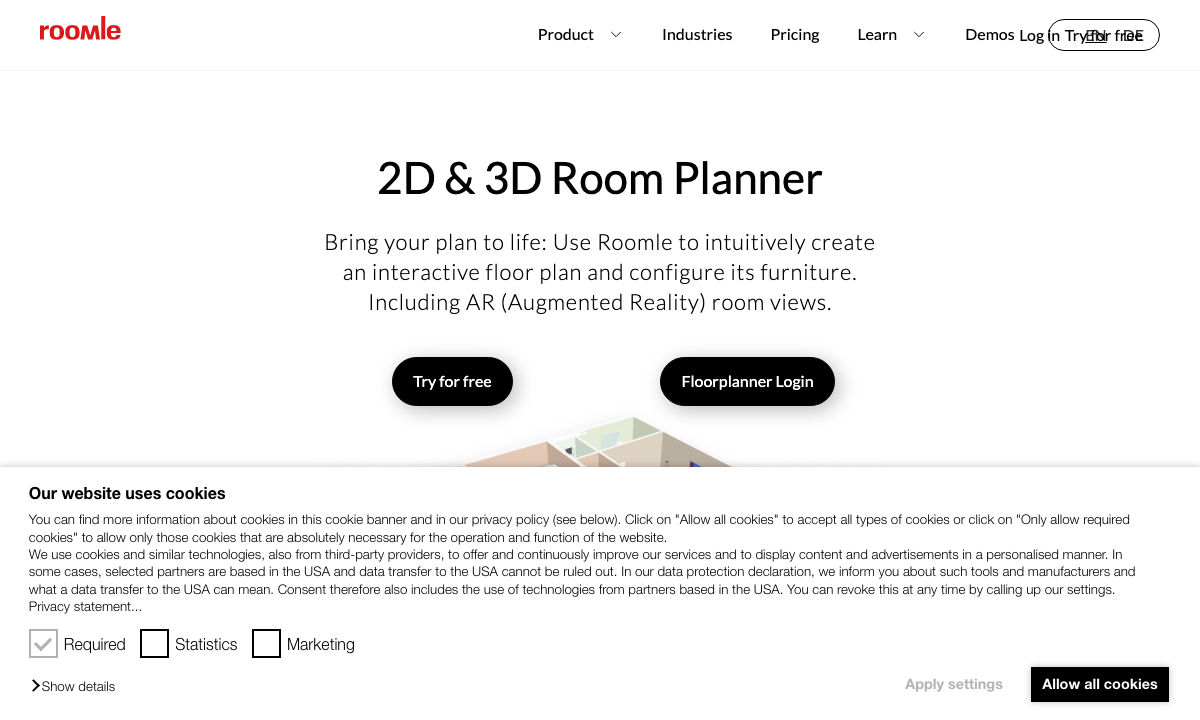
Roomle combines floor planning with visualization tools and device flexibility. It’s designed for both web and mobile use and includes AR options, so you can preview a layout in your actual room. This makes it a good option if you want to test how a plan looks in real space before committing to a large purchase.
Planning strengths: Roomle’s strength is the bridge between plan and reality. You can draft a layout on desktop, then check how it feels in your room with AR. This is excellent for scale‑checking—like confirming that a coffee table doesn’t interrupt circulation or that a dining table leaves enough space for chairs to pull out.
Good for rooms like: living rooms, dining rooms, and open spaces where physical clearance matters as much as aesthetics.
Key features: 2D/3D planning tools, AR previews, and multi‑device access.
Limitations: Some advanced features and high‑end assets require paid plans.
Pricing: Free access for basic planning; premium plans available for professional features.
Try it if: You want to switch between desktop and mobile and use AR to validate your plan.
10) Foyr Neo
Best for: high‑quality renders and professional presentations.
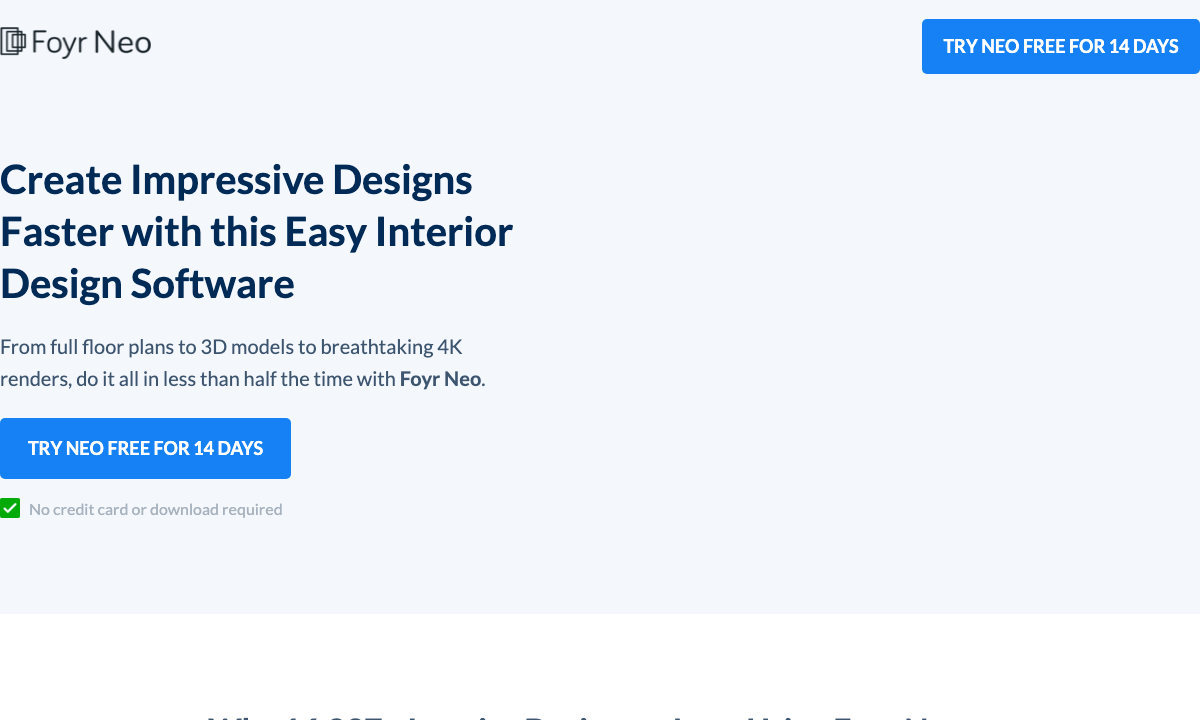
Foyr Neo is a browser‑based interior design platform aimed at designers who want realistic renders and a polished presentation. It offers large model libraries and high‑quality outputs such as 4K renders, which is ideal when you want to visualize a room in near‑photorealistic detail. It’s also positioned as a workflow tool for professionals, which can be helpful if you plan to iterate or share plans with clients or collaborators.
Planning strengths: Foyr Neo is the best choice if you care about presentation. The rendering quality makes it easier to evaluate fabrics, finishes, and lighting before you buy. It’s also useful if you want to share a plan that looks close to a finished space—ideal for major purchases or a full‑room refresh.
Good for rooms like: full living rooms, primary suites, or dining rooms where you want high‑impact visuals and a refined design narrative.
Key features: Web‑based design platform, large model library, and 4K render outputs with trial access.
Limitations: More complex than beginner tools and designed for heavier design workflows.
Pricing: Offers a free trial with paid subscriptions for ongoing use.
Try it if: You want professional‑grade renders and a large object library.
Step‑by‑step workflow: plan a room before you buy
If you’re new to planning software, this workflow keeps the process practical and purchase‑focused.
- Measure the room. Record length, width, ceiling height, door swings, and window placements. If measuring is time‑consuming, use a mobile tool like magicplan to speed this up.
- Build the 2D plan. Use snapping and accurate units to draw the room. Double‑check every dimension before placing furniture.
- Place architectural elements. Add doors, windows, columns, and built‑ins. These define circulation space and prevent layout errors.
- Add furniture to scale. Drop in furniture at exact dimensions or resize models to match real‑world sizes. Maintain clearances for walking paths, door swings, and drawer openings.
- Switch to 3D. Use 3D views to check proportions, ceiling height, and how the room feels.
- Refine materials and colors. Test finishes like wood tones, textiles, and rugs. This makes it easier to choose a coherent palette before you buy.
- Export and share. Save 2D plans and 3D images. Share with family members or collaborators for feedback.
Tip: Create two versions of the plan—one “ideal” and one “practical.” The ideal plan shows your dream layout, while the practical plan accounts for budget, availability, and timing. Comparing both helps you see which pieces are truly essential and which can be layered in over time.
Common mistakes to avoid
- Ignoring circulation paths. Don’t crowd the room; leave enough space to move naturally.
- Underestimating door and drawer clearance. Always check openings around cabinetry, wardrobes, and media units.
- Forgetting scale. A sofa that looks right in 3D can be too large in real life if the model is not scaled properly.
- Skipping vertical measurements. Measure ceiling height and window height so tall furniture and lighting fit properly.
- Over‑trusting colors on screen. Use real material samples when possible; screen colors vary.
Most planning errors happen when we rush the measuring phase. If you’re unsure about a measurement, re‑check it. A single inch can be the difference between a sofa that fits and one that crowds the room.
Shop your plan: connect layouts to real furniture
Once you’re happy with a room plan, the next step is to match it with real furniture and materials. Use the plan to decide exact sizes, then shop accordingly. Here are a few places to start in the Reeva Sethi Home collections:
- Furniture collections for key anchor pieces like sofas and casegoods.
- Seating to refine proportions and comfort.
- Rugs to define the room and anchor layout zones.
- Throw pillows for color and texture accents.
- Decor to finish the room with quiet, considered details.
When you shop, keep your digital plan open and compare product dimensions against your layout. If you plan a 90″ sofa but fall in love with one that is 98″, update the plan before you buy. That quick check prevents clearance issues and ensures your room still feels balanced. The goal is to buy confidently—pieces that fit your room, respect circulation, and create a sense of calm.
Ultimately, the “best” tool is the one you’ll actually use. If you’re a beginner, pick something simple and visual. If you’re detail‑oriented, choose a platform with precise modeling. The software is a means to a better room, not the goal itself—your real success comes from using the plan to make smarter furniture decisions.
Planning first lets you buy fewer, better pieces—ones that fit the room, the circulation, and the mood you’re after.
FAQ
Is room‑planning software accurate enough to buy furniture?
Yes—if you enter exact measurements and use true‑to‑scale furniture dimensions. Accuracy depends on the precision of your inputs.
Are there truly free tools that work well?
Yes. Planner 5D, Floorplanner, SketchUp Free, and Sweet Home 3D all offer free options that are strong for basic planning.
Which tool is fastest if I need a plan today?
Floorplanner or Planner 5D are the quickest. If you need rapid measurements, magicplan can speed up room capture.
What’s best for photorealistic visuals?
Foyr Neo and HomeByMe are stronger for high‑quality render outputs.
Can I plan on mobile only?
Yes. Homestyler, Roomle, and magicplan all support mobile workflows, though you may prefer desktop for larger projects.
Should I plan in 2D or 3D first?
Start in 2D for accurate scale, then switch to 3D to evaluate feel, height, and visual balance.
Do I need AR or VR to plan a room?
No. AR and VR are helpful for scale checking, but they’re not required for accurate planning. If you have a well‑measured 2D plan and a clear 3D view, you can make excellent decisions without AR. That said, AR can be useful when you’re choosing between two sizes of the same piece, especially in tighter rooms.
Can I import an existing floor plan?
Many tools allow you to start from a basic plan, trace a blueprint, or upload reference images. If you have a contractor’s drawing or an old plan, choose software that supports importing and scaling. Even without imports, you can recreate most rooms quickly if you have accurate measurements.
How accurate are the furniture models?
Models are typically accurate in overall dimensions, but you should always cross‑check with the real product specs before buying. Use the software for layout and clearance; then confirm the exact width, depth, and height on the product page to avoid surprises.
About the author
Reeva Sethi is the founder and creative director of Reeva Sethi Home, a brand rooted in heritage craft, natural materials, and quiet luxury. She believes in buying fewer, better pieces and designing spaces that feel calm, proportioned, and enduring. Her work draws on artisan traditions and a commitment to quality that deepens with time.